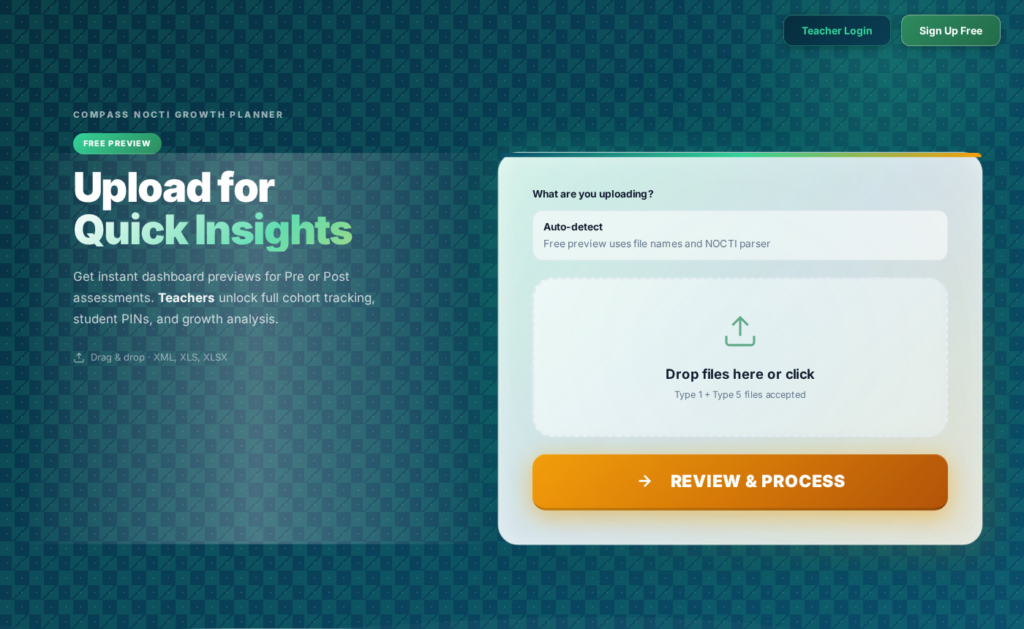
Compass Beta is the current public testing site for PhillyCTE’s assessment insight tool. This is the beta version we want visitors using right now: https://compass1.phillycte.com.
Compass helps CTE teachers and programs turn NOCTI score reports into fast, readable dashboards so they can spot strengths, gaps, and next instructional moves without digging through spreadsheets by hand.
What Compass Does
The Compass beta site helps teachers and program leaders review uploaded NOCTI results, surface quick cohort-level patterns, and move from raw score files to clearer decisions. The goal is simple: make assessment data easier to understand and more useful for teaching, reteaching, and program improvement.
Free vs. Logged-In Tools
Free Tools
Quick exploration and beta testing
Visitors can open the beta site, review the workflow, and use the public-facing features currently available during testing.
Logged-In Tools
Fuller teacher workflow
Logged-in features are intended for deeper use over time, including saved work, more persistent reporting, and expanded program-level tools as Compass matures.
Beta Notice
Compass is currently in beta testing. By using it, you understand that features may change, uploads may fail, and bugs may appear. PhillyCTE accepts no responsibility for data uploaded into the beta app or for any issues, errors, losses, or unexpected behavior that may occur while testing. If you run into a problem, please contact [email protected].
What’s Coming Next
Additional features are planned, including individualized student improvement plans and direct links to aligned review content so teachers and students can move more quickly from assessment results to targeted support.